 Trend Hop
Upload two photos
Add one photo per person. Want to change who sings? Tap Swap roles.
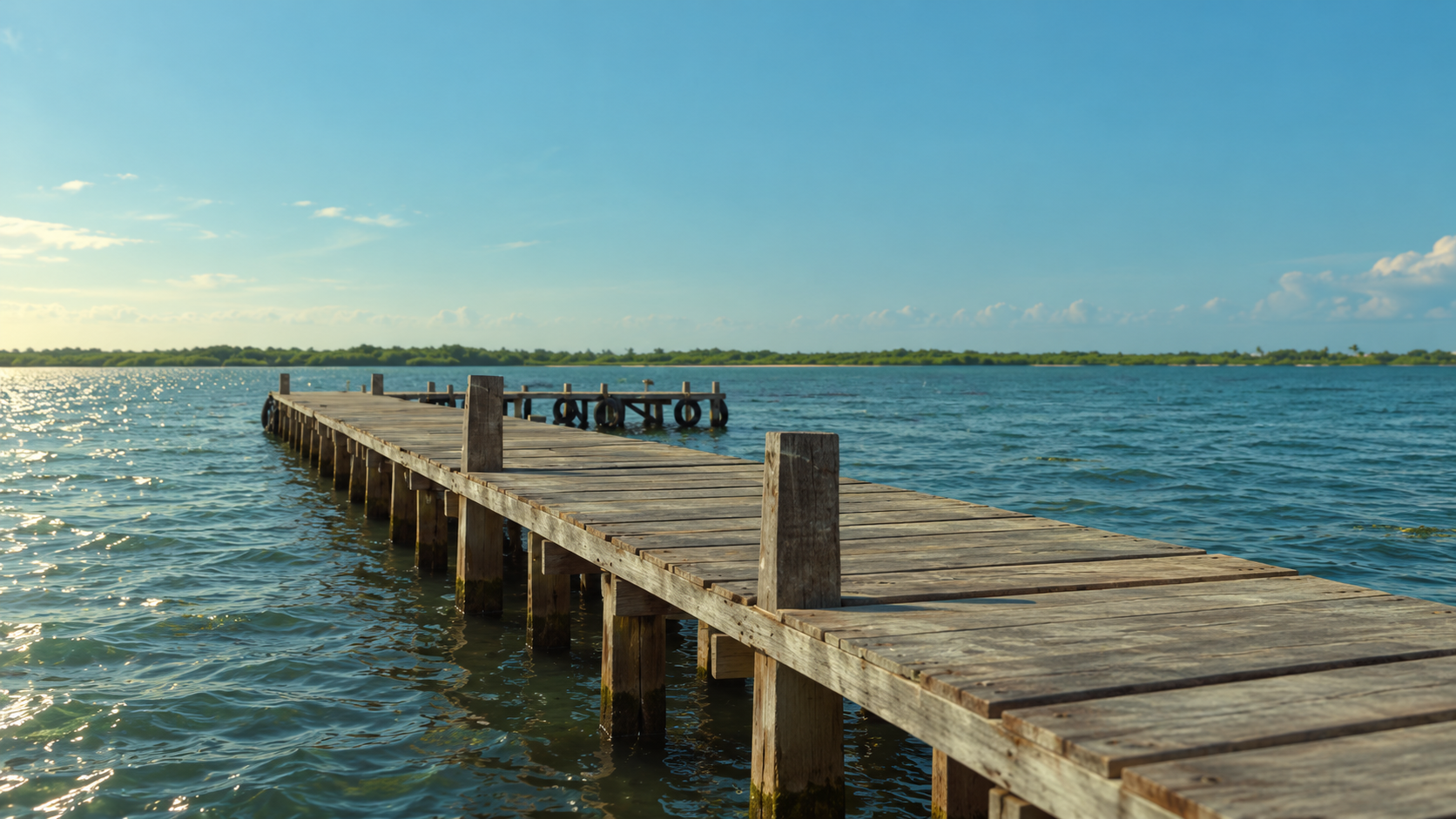
Hop on the Raindance trend with a cinematic seaside video on a sunset pier. Add two photos; the six shots are already planned, so there’s no prompt to write.
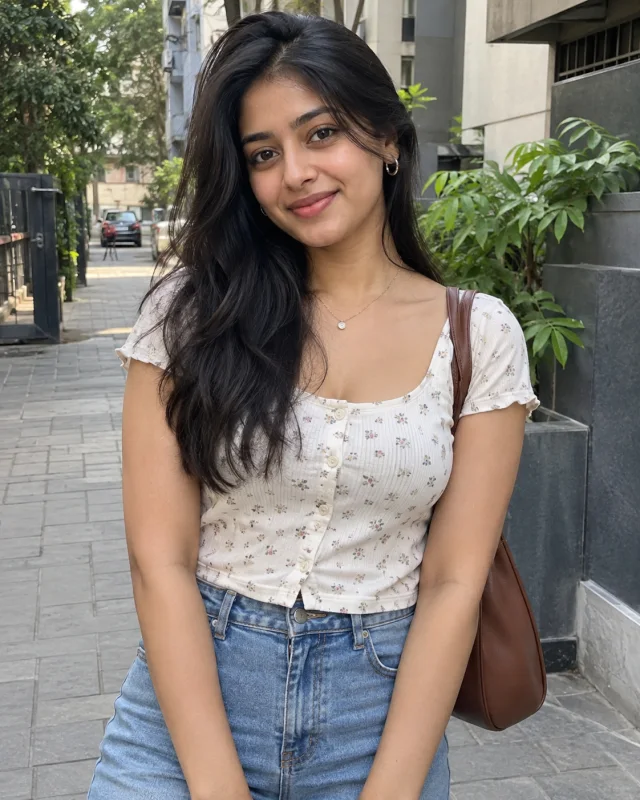
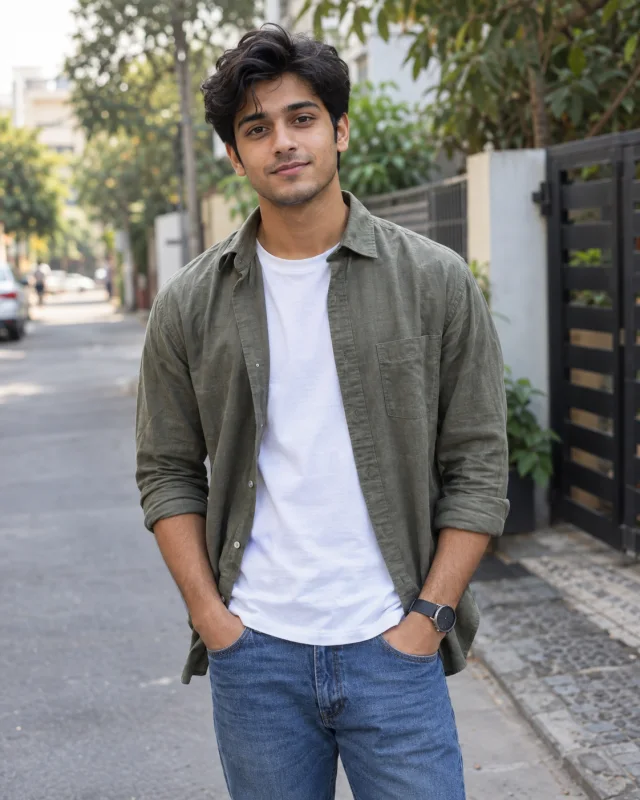
One subject per photo. Clear, front-facing photos work best.
By creating a video, you agree to the Acceptable Use Policy.
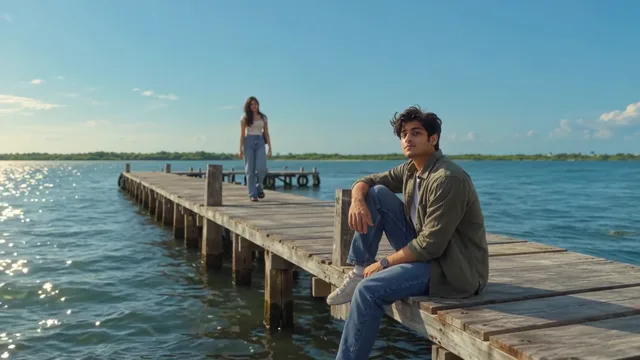
A preview of the template scene, shown in landscape. Your photos guide the singer and partner in these six shots. Timing, details and framing can vary, especially in Portrait.
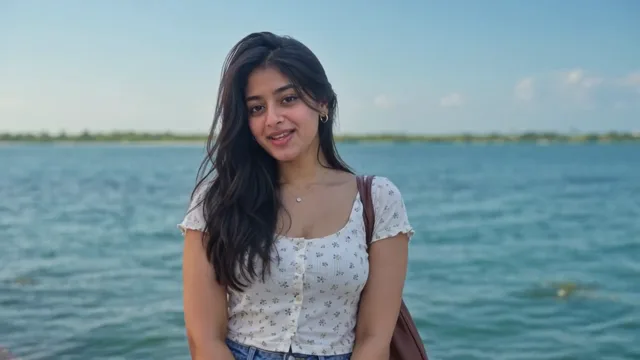
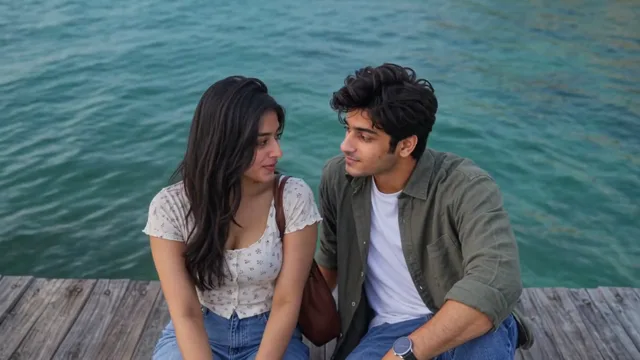
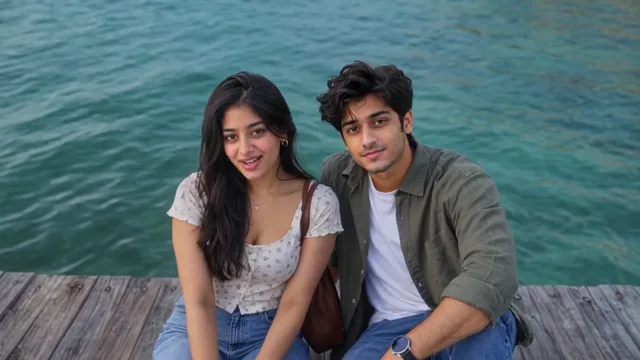
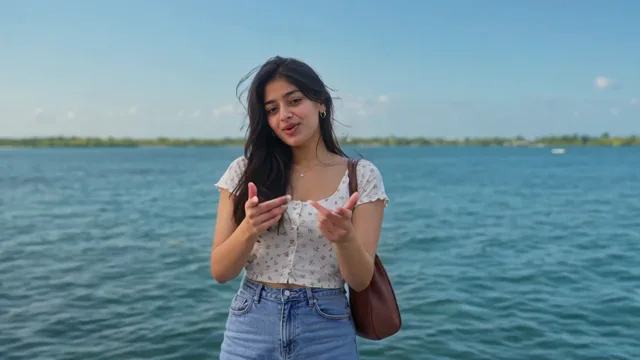
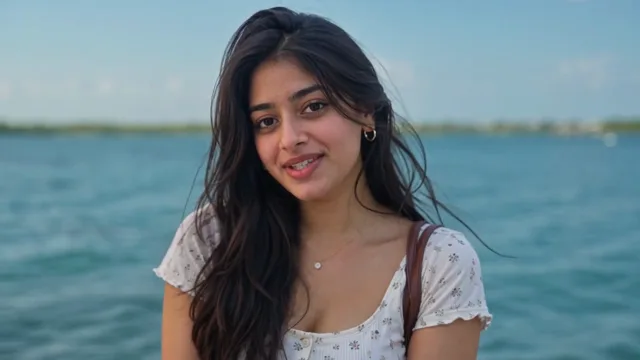
Add one photo per person. Want to change who sings? Tap Swap roles.
We create a 15-second seaside video with six planned shots. No prompt to write.
Open the finished video to save it, then share it on TikTok, Reels or your preferred platform.
Your video has no audio. When you post, add “Raindance” by Dave featuring Tems from TikTok or Instagram’s music library.
One person per photo, with the face clearly visible. No sunglasses, masks or sharp side angles.
A sharp, evenly lit photo with no heavy filters.
Show your upper body and outfit, ideally from the waist or knees up.
Inspired by “Raindance” by Dave featuring Tems, this trend recreates a seaside music-video moment for two. Add two photos and AI generates a new performance on a wooden pier, with no travel and no filming.
Two separate photos, one person in each, with a clear face. Backgrounds don’t need to match. Put one person in the Singer slot and the other in Partner, and use Swap roles if you change your mind. Both people must have agreed to be in the video.
No. Bring two photos. The scene and six-shot performance are already set, so there’s no reference video to upload and no prompt to write.
No. It creates a new 15-second seaside video with six planned shots, not the full music video. Timing and details can vary.
Each video uses 135 credits. Credits come in one-time packs with no subscription, and work with all video types.
When generation finishes, open the video and use the save control. Then upload it to TikTok, Reels or anywhere else. Pick Portrait before generating if you want a vertical video.
No. Your video has no audio, and the original song isn’t included. When you post, add “Raindance” by Dave featuring Tems from TikTok or Instagram’s music library.
Not always. AI can change facial details and clothing, so check both people before you share. An exact likeness isn’t guaranteed.