 Trend Hop
Upload your photo
Choose one clear photo of yourself or another adult who has agreed to appear. You don’t need a video of anyone dancing.
The Bby WOW guy, from your photo
Turn one photo into your own take on the viral Bby WOW guy video: dance up to the camera at a party, bite a concha, hold that serious stare, then dance away.
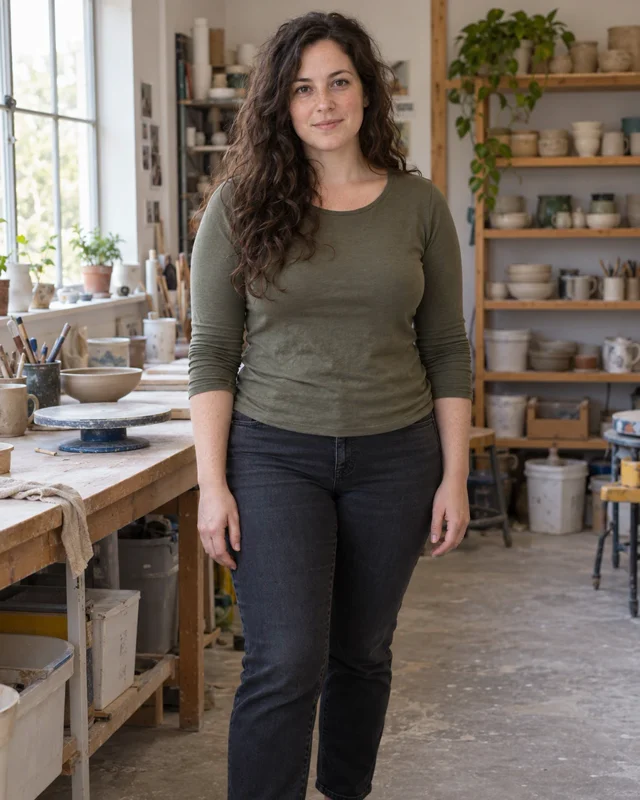
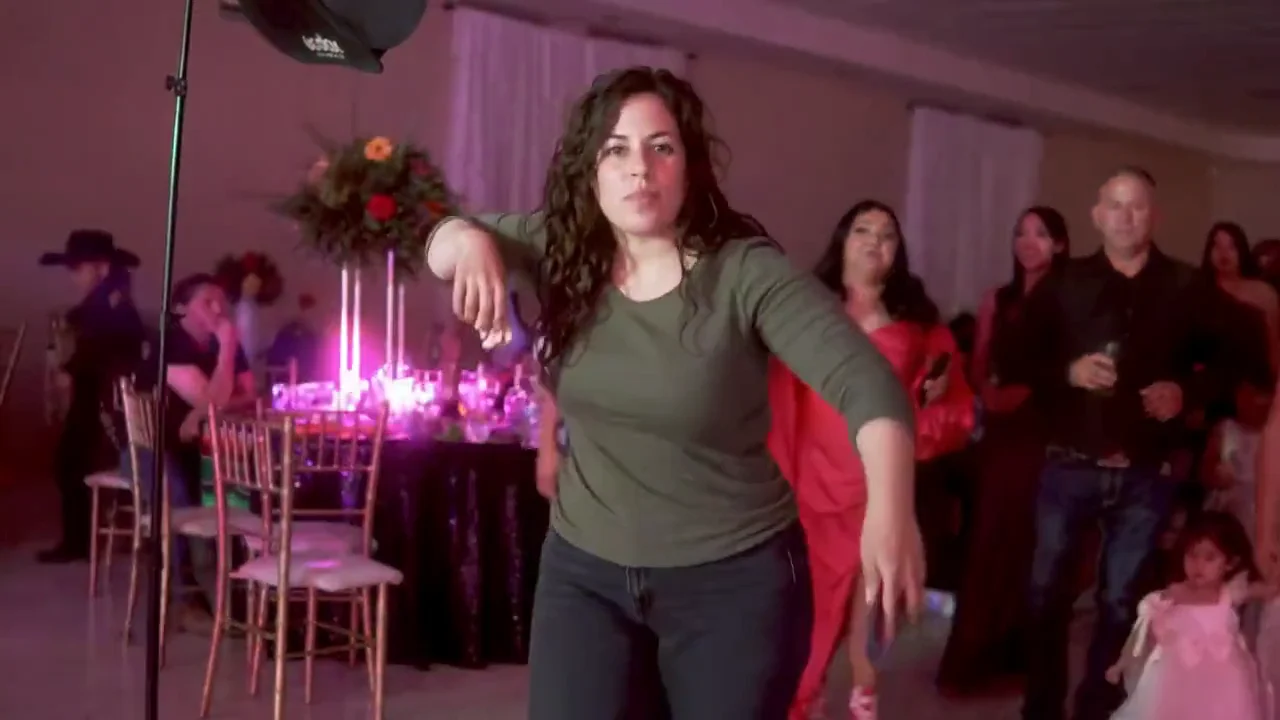
One subject per photo. Clear, front-facing photos work best.
By creating a video, you agree to the Acceptable Use Policy.
Dance through the party lights toward the camera.
Take a bite of a concha, the Mexican sweet bread.
Chew and look straight into the lens, totally deadpan.
Turn around and dance back into the party.
Every video follows these four moments. Movement and looks can vary from one video to the next.
Choose one clear photo of yourself or another adult who has agreed to appear. You don’t need a video of anyone dancing.
Choose horizontal or vertical and 720p or 1080p, confirm you have permission and tap Generate. The party, the concha and the dance are built in, so there is nothing to film or write.
Watch your 9-second video and download it as an MP4, ready to post.
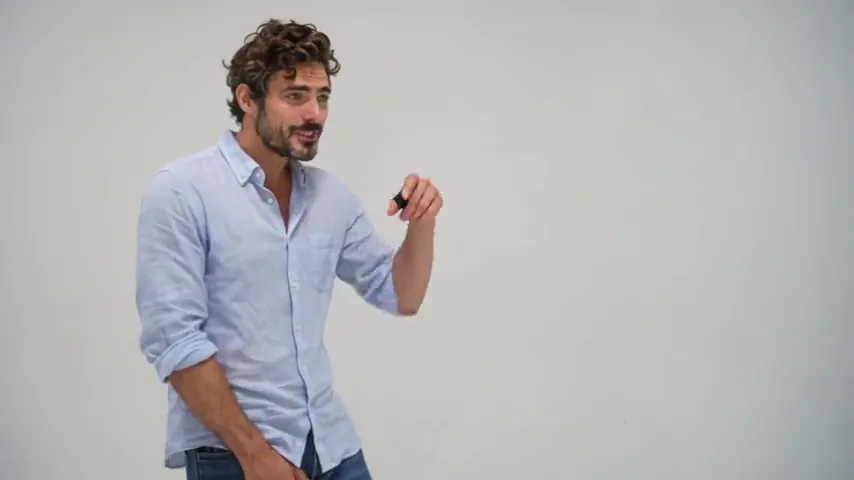
It started as a party clip: a man dances up to a phone camera at a quinceañera in Mexico, bites a concha, stares into the lens without a smile, then dances away.
Watch the original on TikTokListen to “BbY WOW” on Apple Music
It is the viral Bby WOW guy video made with AI. You upload one photo, and the AI creates a video of the person in it dancing up to the camera at a party, biting a concha, staring into the lens and dancing away.
Upload one clear photo, confirm you have permission and tap Generate. When it is done, watch the video and download it.
Yes. A clear selfie works, and a waist-up or full-body photo works best because it shows the hair and clothes the dancer will wear.
Not exactly. Your photo guides the face, hair and outfit, so the video should resemble the person in it, but AI can change details, hands or movement. Clear, well-lit photos help.
No. The video comes with AI-generated party sound, not “BbY WOW”. If the song is available to you, add it from the TikTok or Instagram music library when you post. This generator is independent and not affiliated with KAROL G, Judeline, rusowsky or the creator of the original video.
No. A video costs 10 credits in 720p or 20 in 1080p, shown before you generate. Credits come in one-time packs with no subscription.
Usually 4–6 minutes after you tap generate.
If a technical error stops the video, the credits are returned to your balance automatically. A video withheld by our safety check is not refunded automatically. The Refund Policy has the details.
Your uploaded photos and finished videos expire after 1 day. Download the videos you want to keep before then.
Yes, if you have their permission and they are an adult.
No. A filter works on your live camera. Here the AI creates a new video from a still photo, so you don’t need to film anything.
No. A CapCut template is edited in the CapCut app with your own clips. Here you upload one photo and get a finished AI video, with no app, footage or editing.
Bring one photo to the party and make your Dime Dime Baby video.
Make my Dime Dime Baby video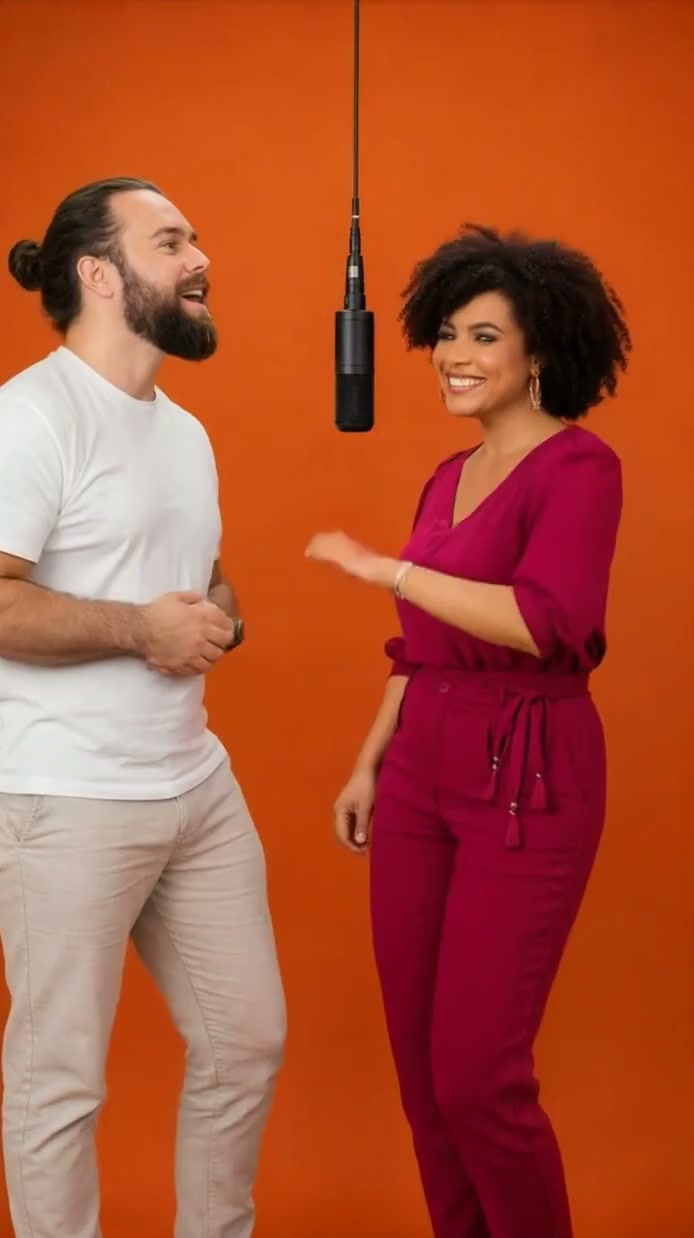
The orange-room duet everyone’s remixing.
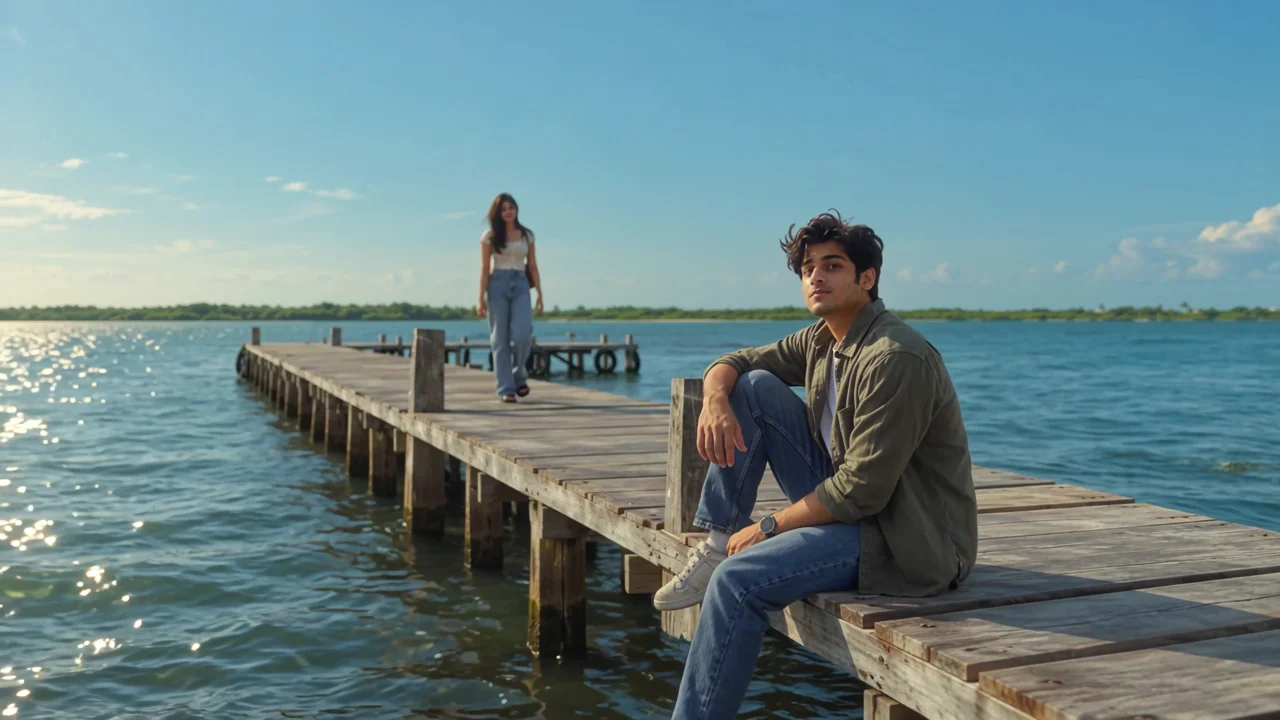
A golden-hour pier music video for two.
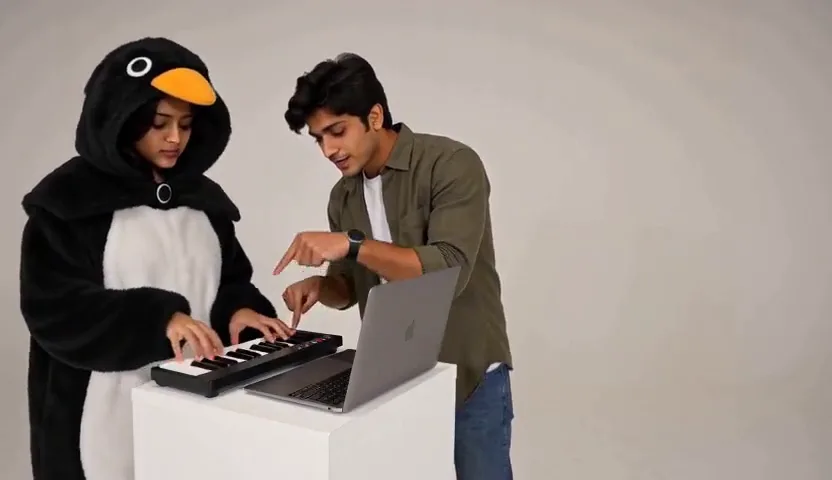
The deadpan keyboard-and-dance sketch, your way.
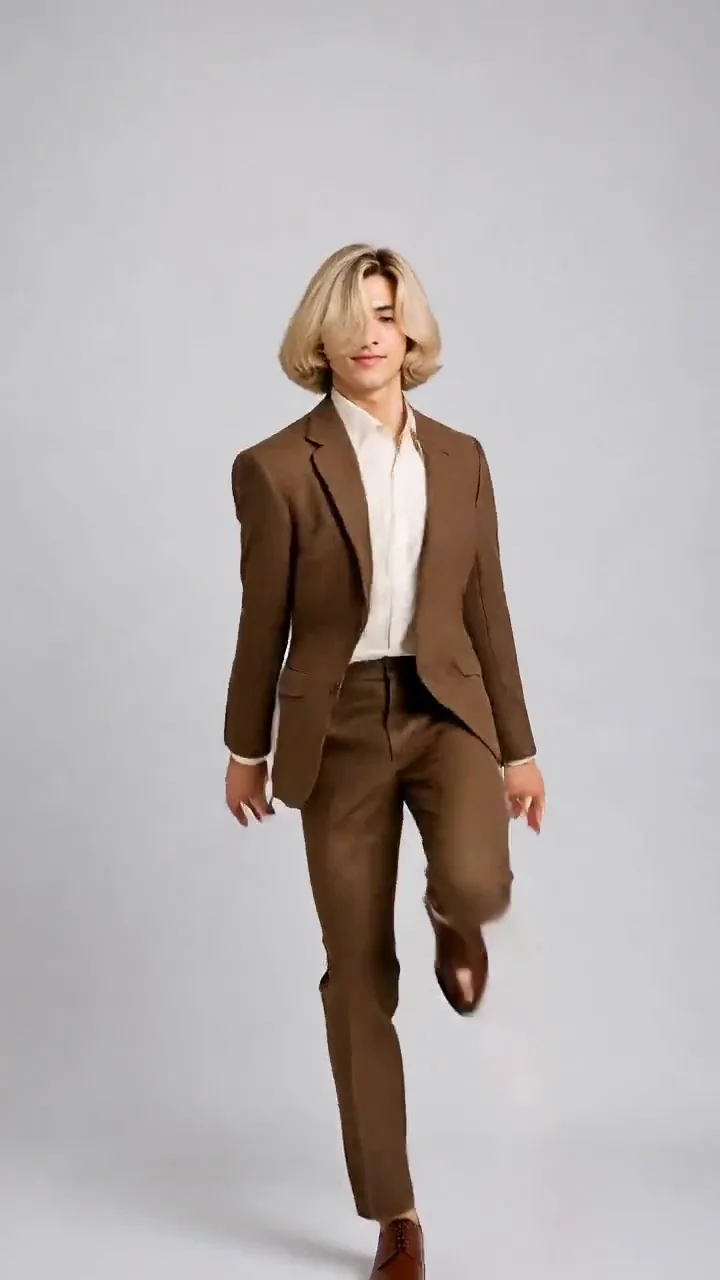
The viral hop-and-knock dance, made from one photo.
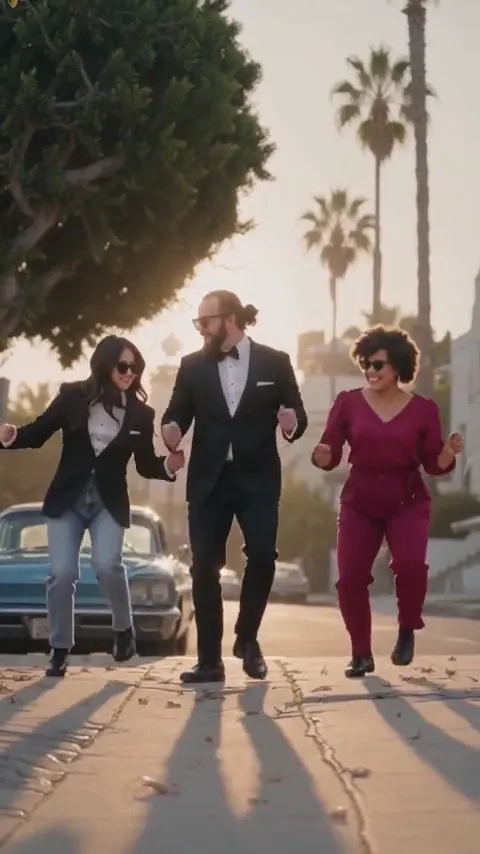
Lead the Babydoll two-step from your photo.
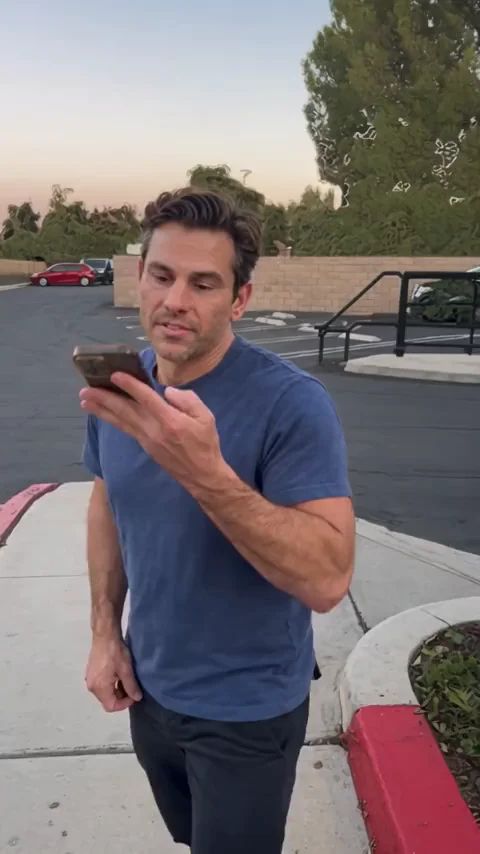 New
Ask ChatGPT how to get rich, get told “Get a job”, from one photo.
 New
The spin, the laugh and the “oh he tweakin” reaction, with your photos.