 Trend Hop
Upload two photos
Choose one clear photo for each person. Photo 1 becomes the character who laughs, photo 2 the one who spins and reacts.
Viral Oh He Tweakin & Do a 360 meme
Put yourself and a friend in the viral studio meme: one spins, the other can’t stop laughing. Upload two photos and get your own Oh You Can Make It Cap AI video.
One subject per photo. Clear, front-facing photos work best.
By creating a video, you agree to the Acceptable Use Policy.
A real result from this generator, made from the two photos on the left.
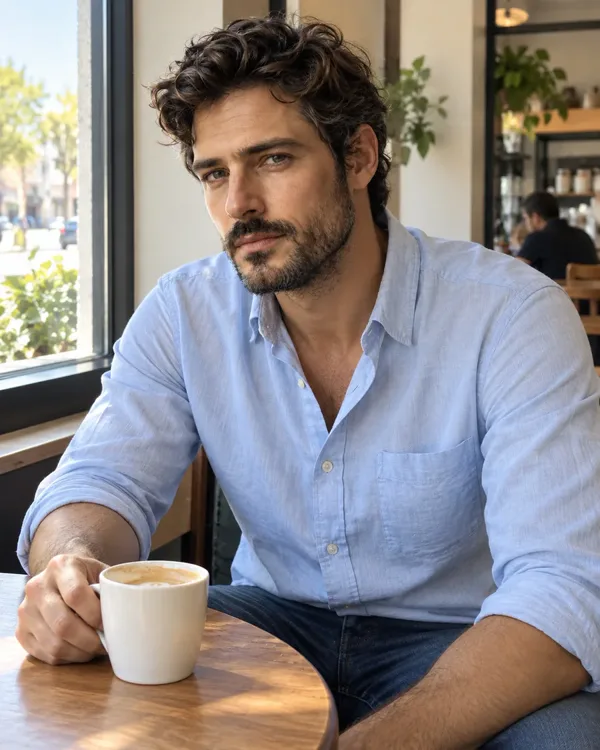
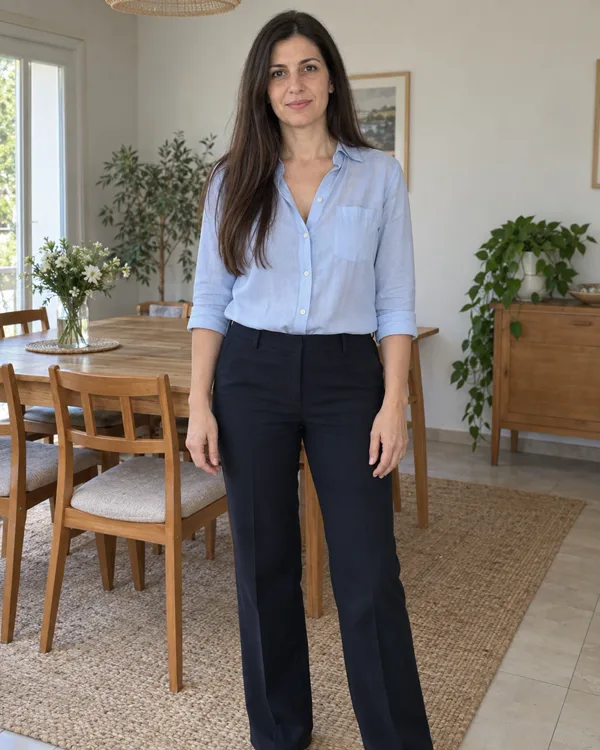
You don’t need to film the spin or act out the laugh. Start with two photos.
Choose one clear photo for each person. Photo 1 becomes the character who laughs, photo 2 the one who spins and reacts.
Photo 1 laughs and photo 2 spins. Once both are uploaded, tap the swap button between them to trade roles.
Get your 13-second studio video with the turn, the reactions and the quick cuts. Preview it, save it and post it.
Oh You Can Make It Cap is a two-person comedy meme set in a plain studio: one person asks the other to turn around, and the first can’t stop laughing. It traces back to a dating-show-style clip that circulated on social media in 2024, with the comment “oh, he tweaking”. In October 2026, AI remakes with different characters in a grey or white studio brought it back to short-form video.
The line sounds like “can you make it clap”, and “make it cap” became the name most AI versions use.
The 2024 recording is live-action footage and the 2026 versions are AI-generated, so they are different videos. The first uploader and the full original episode have not been confirmed.
If you remember a viral video where one person turns around while another rubs their chin, covers their mouth and bursts into laughter, this is the Oh You Can Make It Cap trend, also called the Oh He Tweakin meme.
One character is asked to turn around, flips their hair or makes a full 360-degree turn.
The other character smirks, brings a hand to their face and struggles to stop laughing.
The person who spun looks back and smiles as if the laughter is completely unreasonable.
The camera alternates between the two characters, often showing one person per shot.
The reaction ends in a short, playful exchange that gives the scene its punchline.
The funniest remakes put the right two people into an absurdly familiar situation.
Put your funniest friend in the laughing role and the one who always strikes a pose in the spinning role.
Turn a simple hair flip or outfit reveal into an exaggerated reaction between partners.
Create a playful exchange between adults who already share a funny dynamic.
Recreate the moment someone makes a bold claim, shows off or gets an unexpected reaction.
A good photo gives your video a better starting point.
AI-generated results vary. Faces, outfits, timing and expressions may differ a little from video to video.
A short AI video of two people in a studio: one asks for a spin and bursts into laughter, the other does a 360 turn and reacts. You add a photo of yourself and a friend and get your own version of the viral meme.
Upload photo 1 for the person who laughs and photo 2 for the person who spins, confirm you have permission to use both, then generate. When it finishes, preview and save the video.
No. Each video uses 10 credits, shown on the button before you generate. Credits come in one-time packs.
Usually 6–8 minutes after you tap generate.
If a technical error stops the video, the credits are returned to your balance automatically. A video withheld by our safety check is not refunded automatically. The Refund Policy has the details.
Your uploaded photos and finished videos expire after 1 day. Download the videos you want to keep before then.
Photo 1 plays the person who laughs, and photo 2 plays the person who spins and flips their hair. Use Swap roles to change them.
Clear, well-lit photos with one person in each. A front-facing or waist-up photo works for the face; use a full-body photo if you want the whole outfit recreated.
Yes, as long as you have permission to use each photo and everyone shown is an adult.
Yes. The AI uses each photo as the reference for that person’s face, hairstyle, clothing and overall look, not just the face. Some details may vary.
Mostly, yes. Your video follows the viral scene’s recognizable moves, shot order and reactions: the spin, the hair flip, the laugh and the back-and-forth cuts. AI results vary, so it won’t match frame by frame.
Yes. Your video comes with AI-generated sound, including dialogue and laughter in the style of the viral scene. It can vary from one video to the next.
Yes. Pick Portrait (9:16) before you generate for TikTok, Reels and Shorts, or Landscape (16:9) to keep the wide studio framing. Save the video and post it like any other clip, following each platform’s rules and AI-content labels.
Yes. A CapCut template follows one fixed edit, while this generator makes a new video from your two photos, so you pick who laughs and who spins and don’t have to edit the shots yourself.
Yes, they are names for the same viral studio moment. “Can you make it clap” is how the spoken line sounds, “oh he tweakin” is the reaction, and “make it cap” is the name most AI versions use.
Not exactly. “Nah he tweakin” was a separate reaction meme from 2021. The Oh You Can Make It Cap video is the studio clip with the 360 turn and the laughter.
Both exist. The 2024 clip was live-action footage, and many versions that spread in October 2026 were AI-generated with different people.
One spins. One laughs. You choose who plays each part.
Generate my video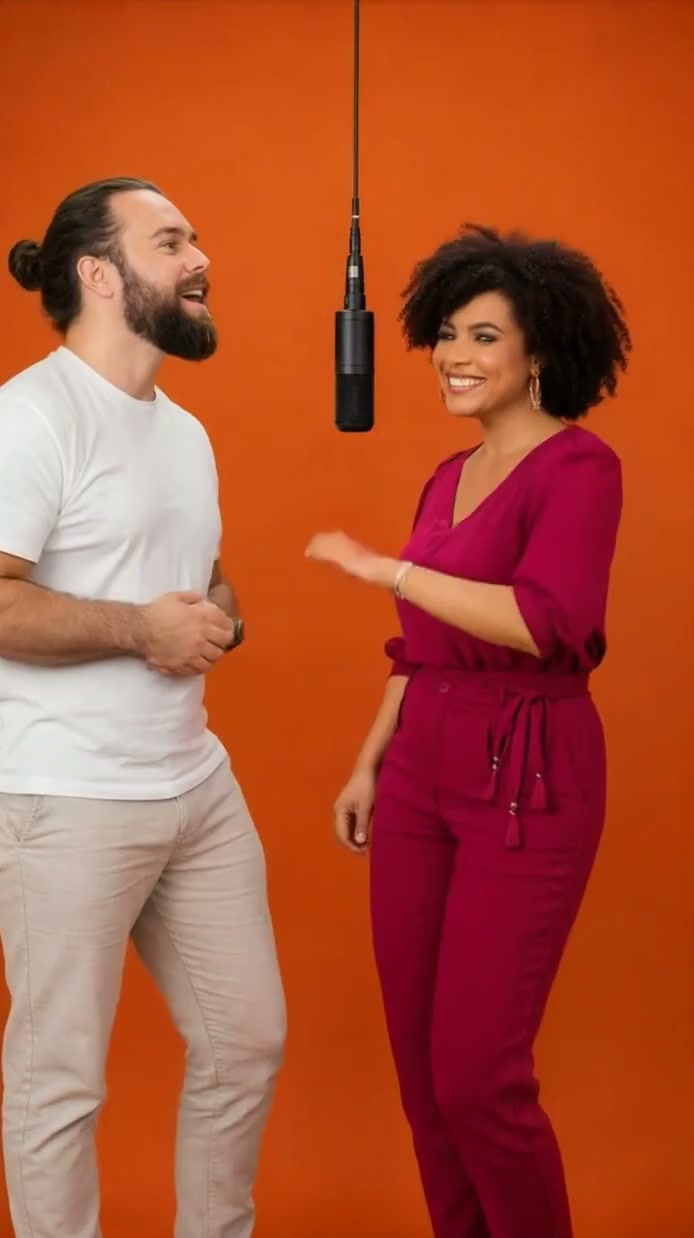
The orange-room duet everyone’s remixing.
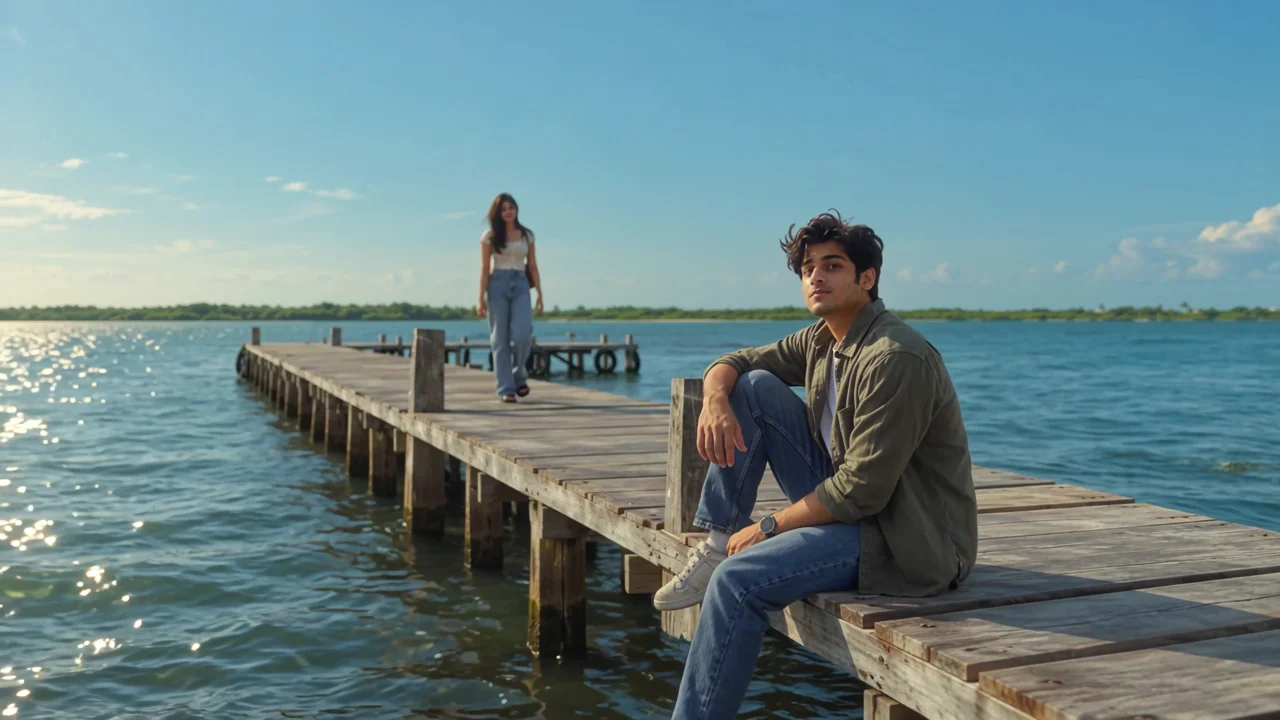
A golden-hour pier music video for two.
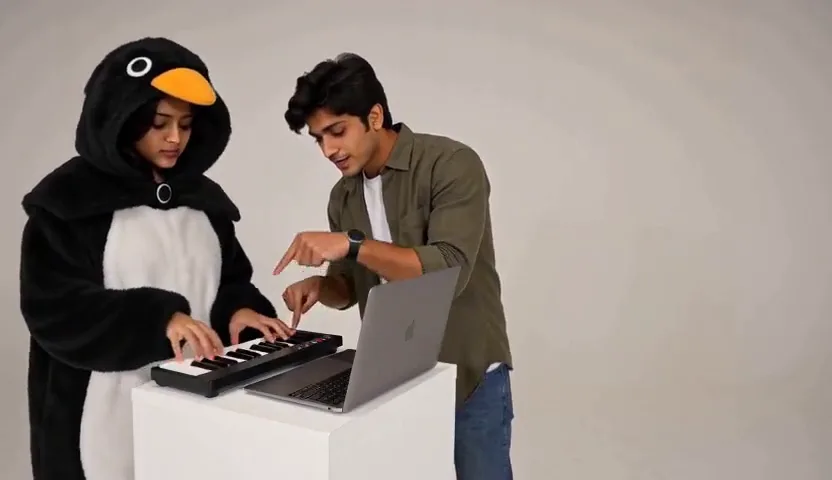
The deadpan keyboard-and-dance sketch, your way.
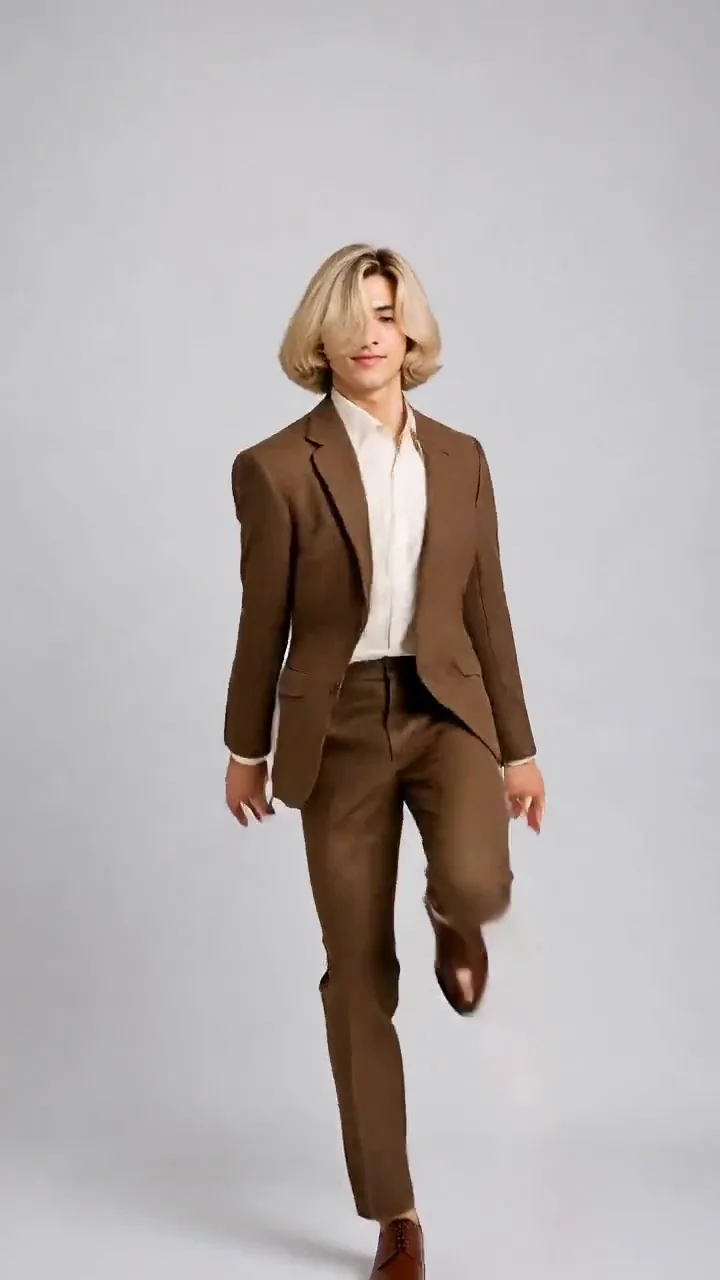
The viral hop-and-knock dance, made from one photo.
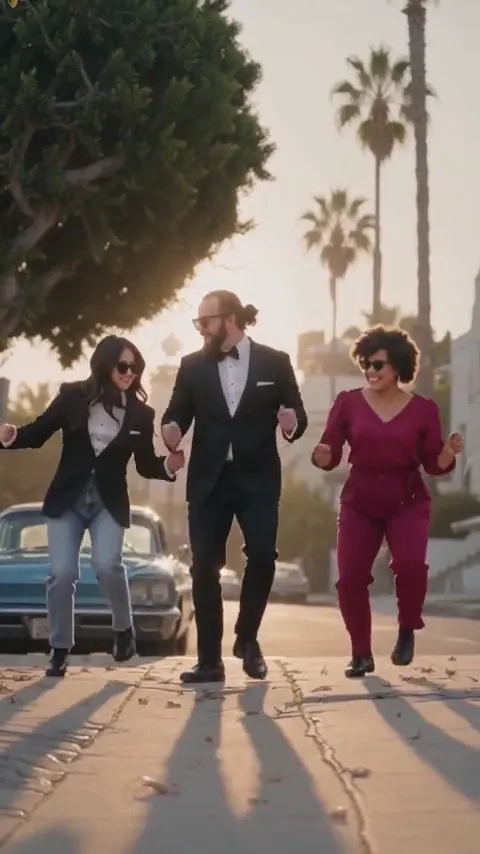
Lead the Babydoll two-step from your photo.
 New
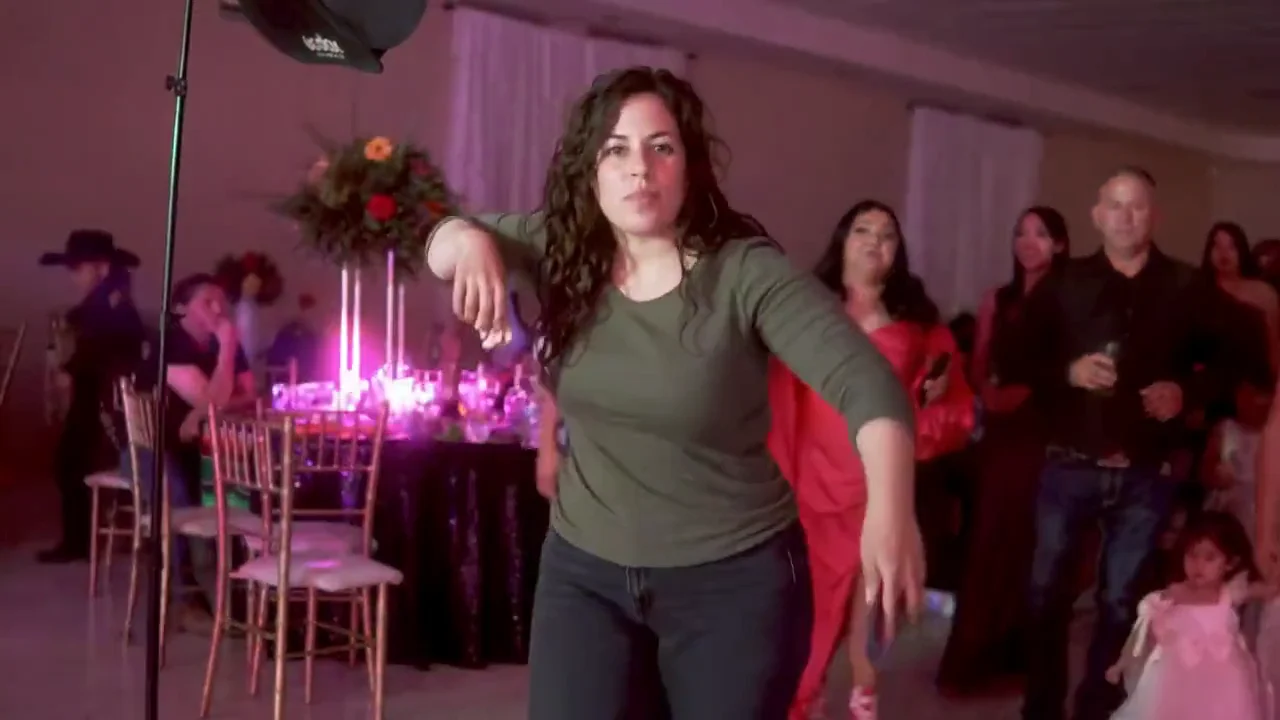
The Bby WOW guy’s concha bite and stare, from one photo.
 New
Ask ChatGPT how to get rich, get told “Get a job”, from one photo.