 Trend Hop
01
The ask
A hand gesture sets up a full 360.
Meme guide · November 2, 2026
It is the video with a 360 spin, a hand-over-mouth laugh, and two people reacting in a plain studio. Here is where it came from—and how to remake it with two photos on Trend Hop.
First: is this the video you mean?
One person does a 360. The other cannot stop laughing.
If you remember a gesture asking for a turn, a hair flip or spin, then someone covering their mouth and breaking into a huge laugh, you have found it. The camera cuts back and forth until the reaction becomes funnier than the spin itself.
You may see it called Can You Make It Clap, Oh He Tweakin, You Tweaking, or the “do a 360 meme.” Those are all names people use to find this same two-person studio joke.
The name can be confusing. Many viewers hear the line as “Can you make it clap?”, while AI remake titles and captions often use “Oh You Can Make It Cap.” Oh He Tweakin and You Tweaking refer to the memorable reaction. Different names, but the same studio moment.
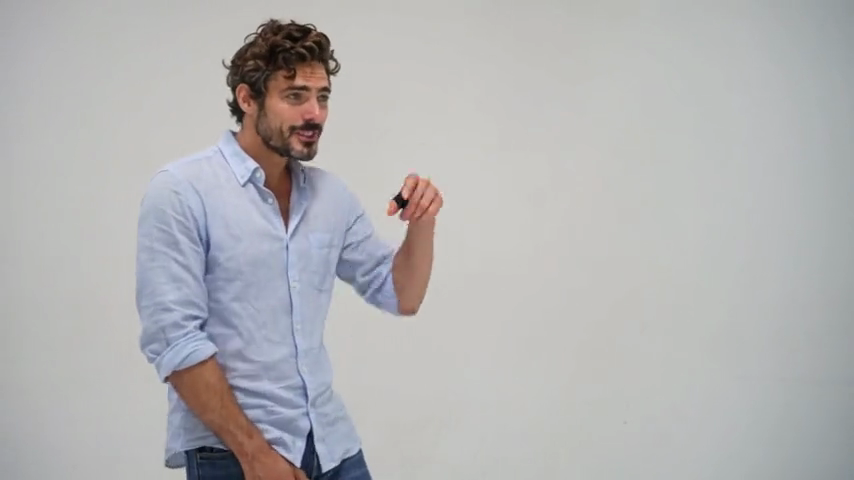
01
A hand gesture sets up a full 360.
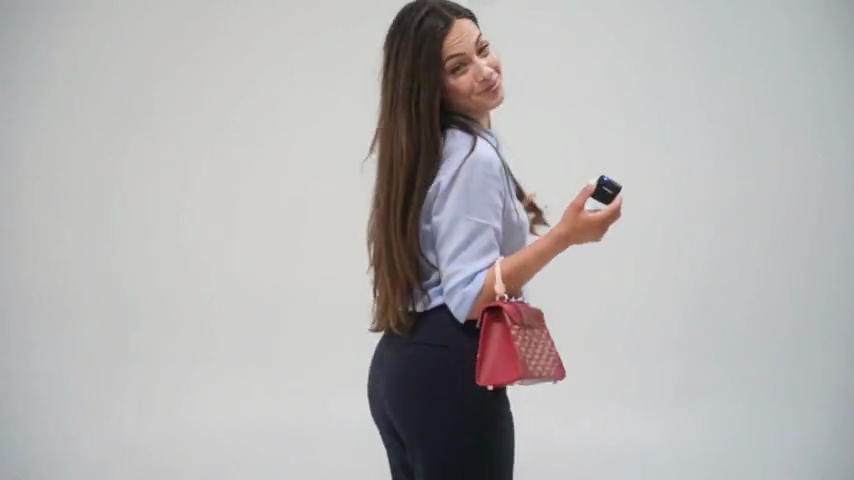
02
The second character turns, often with a hair flip.

03
A hand-to-mouth reaction turns the moment into a joke.
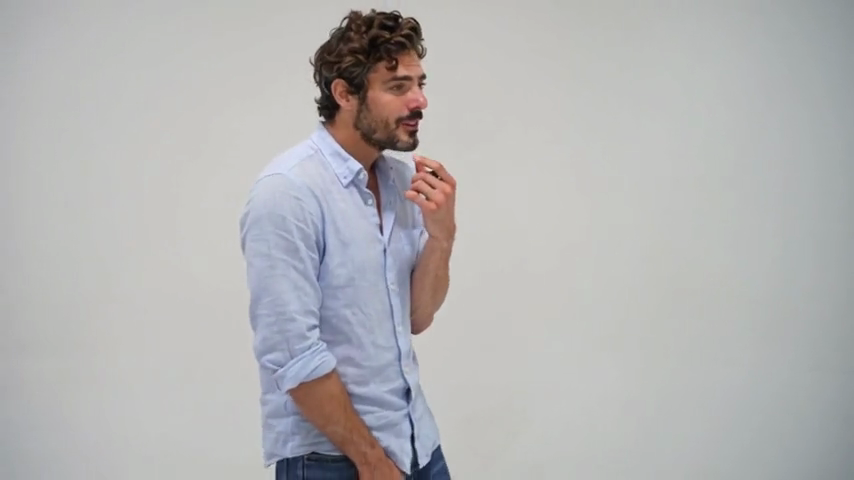
04
Quick cuts let both characters sell the punchline.
Where it came from
The original live-action interaction was already being shared online by summer 2024. An early public repost preserves the moment, although the original production and first uploader have not been confirmed.
In late October 2026, creators began using AI to put new people into the familiar rhythm: a light studio, a turn, and an over-the-top reaction. These are new performances of the format, not the original people or footage.
The similar-sounding 2021 “Nah He Tweakin” meme has a different origin. For this trend, the useful thing to remember is the visual: the 360 spin and the laugh.
Why people remake it
The spin is ordinary. The reaction is wildly out of proportion. That contrast gives the clip a setup, an escalation, and a punchline in a few seconds. You do not need to invent a story or learn a dance to make the reference recognizable.
Put two friends in those roles and it becomes a group-chat joke. Use a couple, adult siblings, or creators who know each other and the same scene takes on a different personality.
See what a remake looks like
The first photo becomes the person who reacts and laughs. The second becomes the person who spins. The finished video is a new 13-second studio scene—no filming and no prompt writing required.
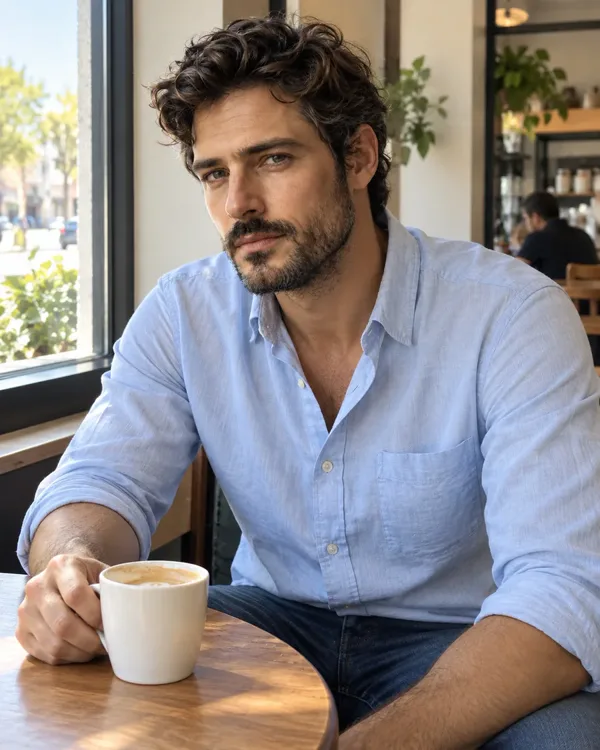
Two photos · 13-second scene · AI-generated dialogue and laughter
How to make your own
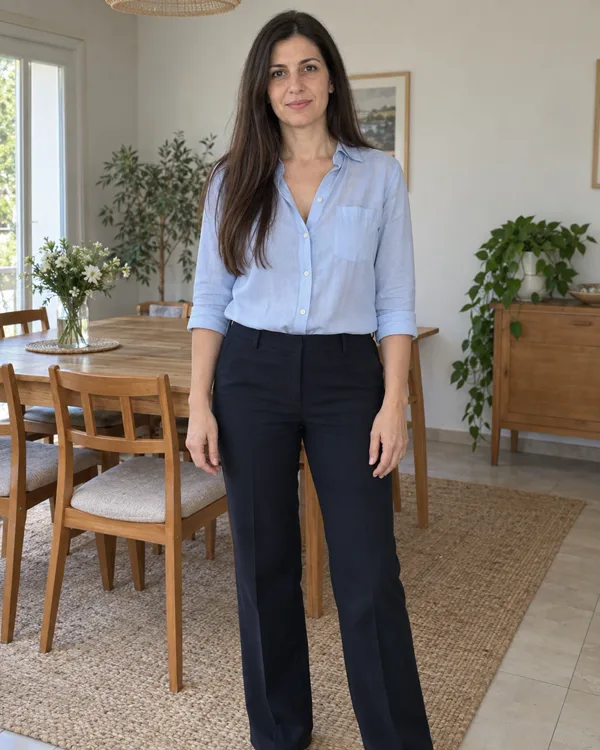
Use one adult per photo. A sharp, well-lit face is the best start; use a full-body image when the outfit matters to the joke.
Photo 1 laughs and photo 2 spins. Swap them if your own version works better with the reaction reversed.
Pick 16:9 for a wider studio feel or 9:16 for Shorts, Reels, and TikTok. The result includes AI-generated dialogue and laughter.
Before you upload
A clear, well-lit face and visible hairstyle give the model a stronger identity reference. Avoid crowded group shots, heavy filters, masks, or sunglasses that hide the face.
Use a front-facing or waist-up image when facial resemblance matters most. Use a clear full-body image when outfit, shoes, or accessories are part of your version of the joke.
The first upload is the laugher and the second is the spinner. The generator includes a role-swap control, so the funnier pairing does not require uploading everything again.
Only upload adults who have agreed to appear. You are making a new performance with their likeness, not copying the original people from the viral recording.
Sharing your video
Choose 16:9 for a wider studio composition, or 9:16 for Shorts, Reels, and TikTok. Make sure the 360 spin and the hand-to-mouth laugh remain clearly visible, especially in a vertical crop. The generated video includes fresh AI dialogue and laughter; it does not reuse the original recording’s audio.
A short caption such as “Do a 360” or “Oh He Tweakin” is enough to give viewers the reference point without explaining the whole joke.
Follow each platform’s rules for AI-generated media and any sound you add from its licensed audio library.
Ready when your duo is
Upload two clear photos, choose who spins and who laughs, then generate your own version of the scene.
Make your own video